
Step 1: Sign in or create a Jane account
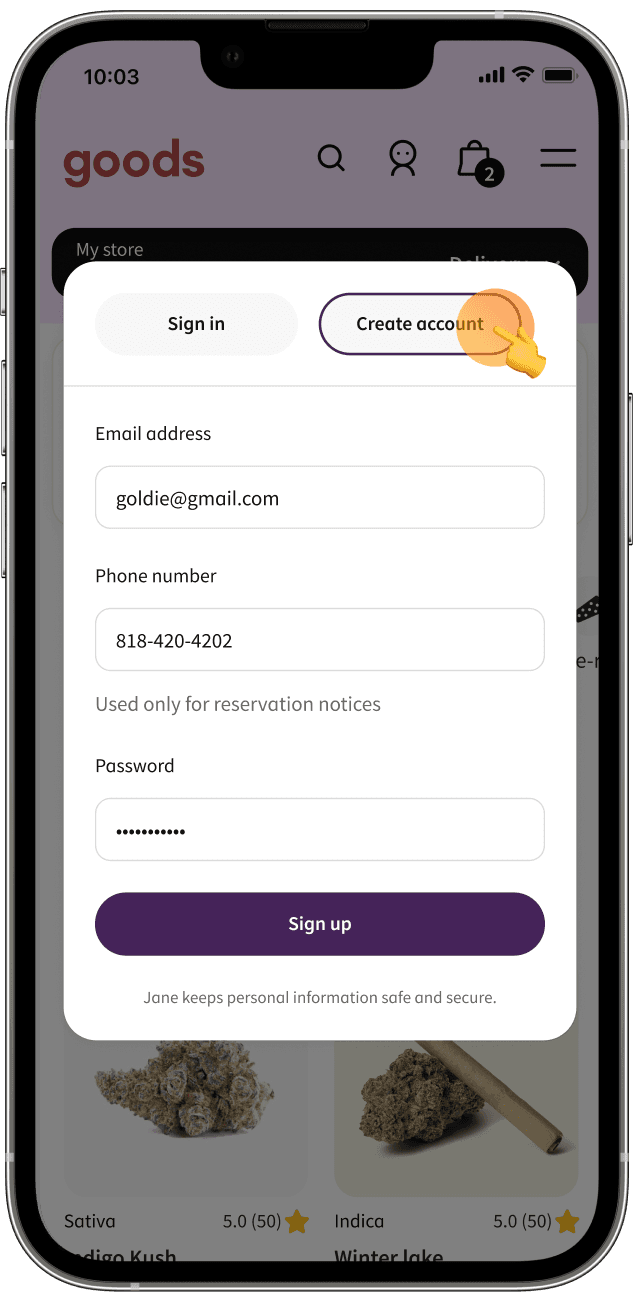
Click or tap the icon of the person at the top-right corner of your screen. Sign in with your existing Jane account credentials, or select “Create account” and enter your email address, phone number, and password.


Step 2: Add a Jane Gold product to your bag
Look for the Jane Gold sparkle icon next to your favorite brands every time you shop. Click or tap the icon of the bag at the top-right corner of your screen when you’re ready to check out.


Step 3: Link your bank account
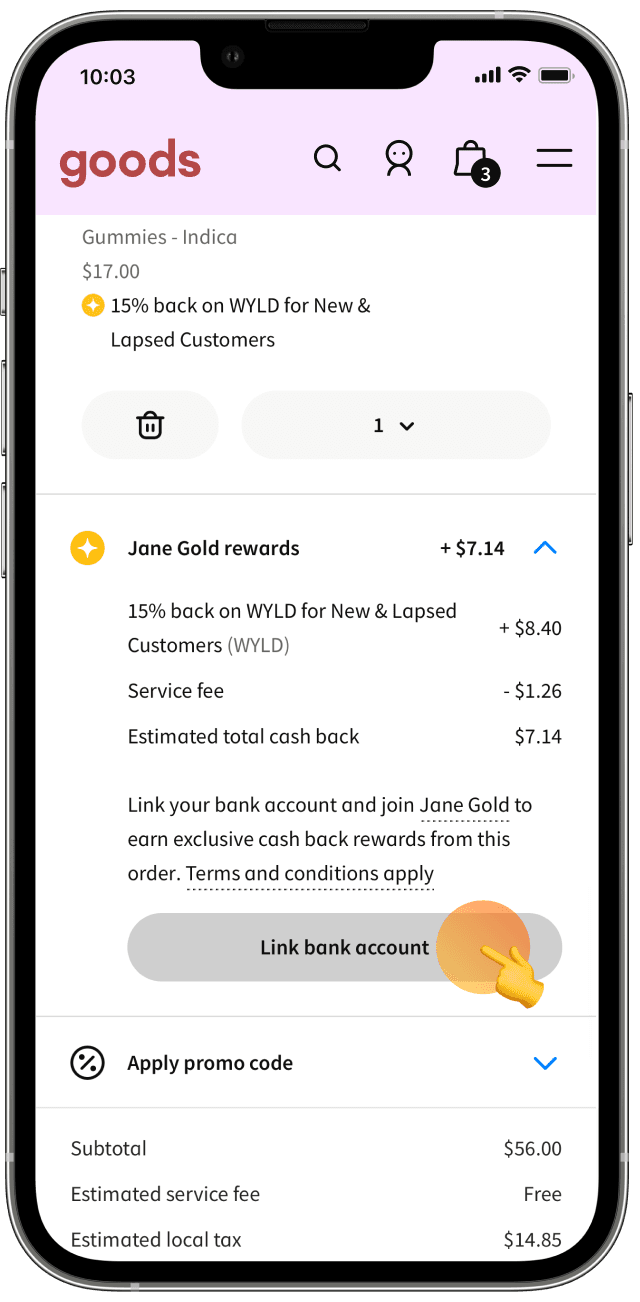
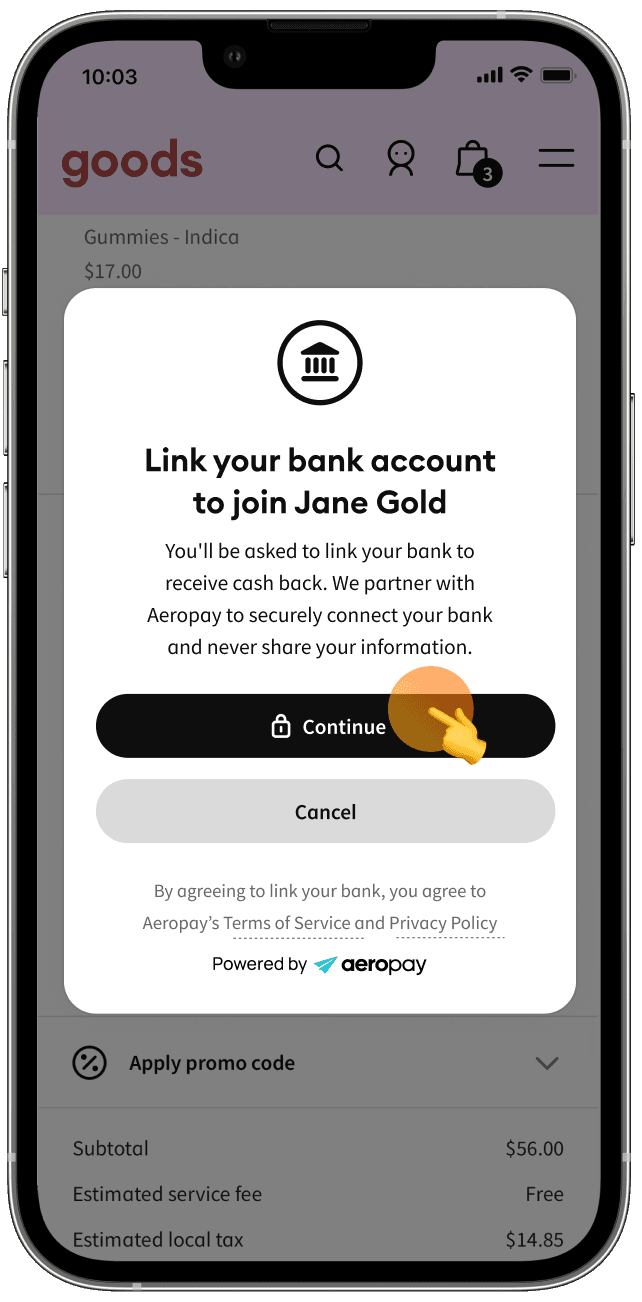
In your bag, scroll to the Jane Gold section under your items (above the subtotal) and select “Link bank account.” Follow the prompts to link your bank through Aeropay. Have your bank login information ready. In Aeropay, select your bank and confirm the connection through your bank’s website or app.

Step 4: Complete your purchase & keep earning cash back
Congrats! You successfully linked your bank account. Going forward, you only need to be signed in to earn cash back on Jane Gold products — easy.


During checkout, you should see the above message that shows how much cash back will be automatically deposited to your linked bank account in 1-3 days. If you don’t see the message, make sure you are signed in, have a bank account linked, and have at least one Jane Gold-eligible product in your bag.
